 smabo
smaboRoadmap#
This page is the guide for the "Smartphone Sensors" node on the roadmap below.
This guide assumes you have completed the smabo-app setup.
Overview#
This page explains how to visualize smartphone sensor data in smabo.
Specifically, you will:
- Visualize phone sensor data (camera image, IMU, GPS) in smabo-web
Operation#
Startup Procedure#
Follow the startup procedure here.
Enabling Sensors#
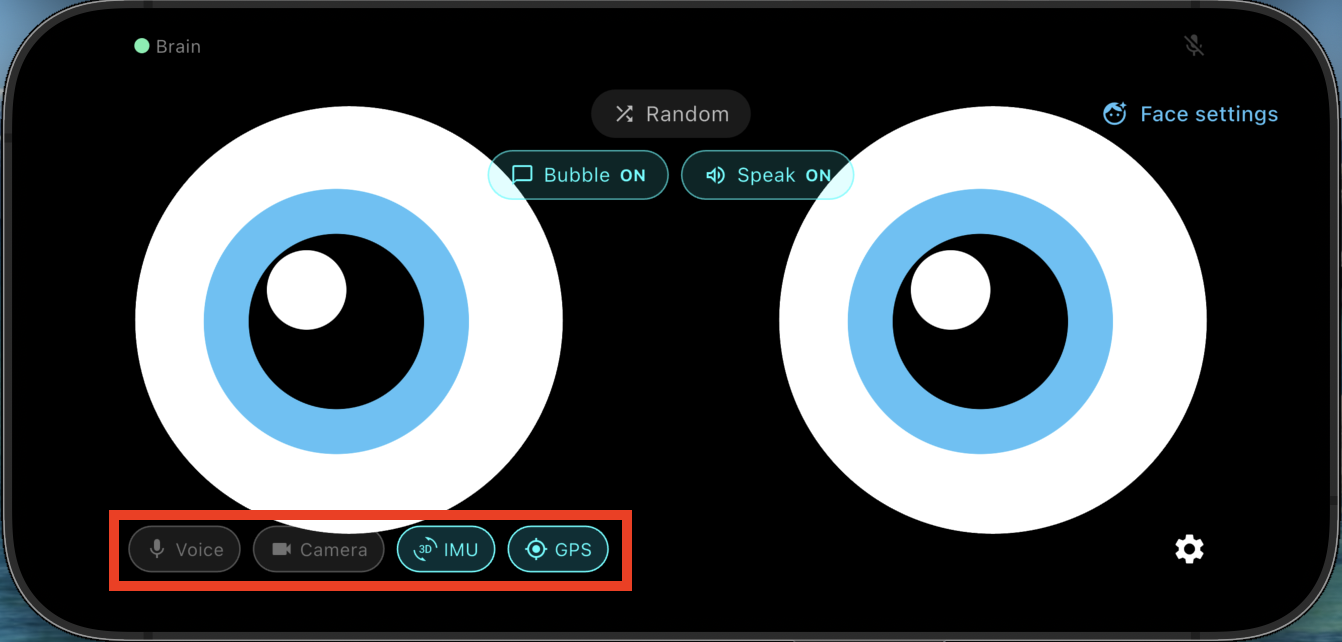
Use the button in the bottom-left of smabo-app to toggle each sensor on or off.
Viewing Sensor Data#
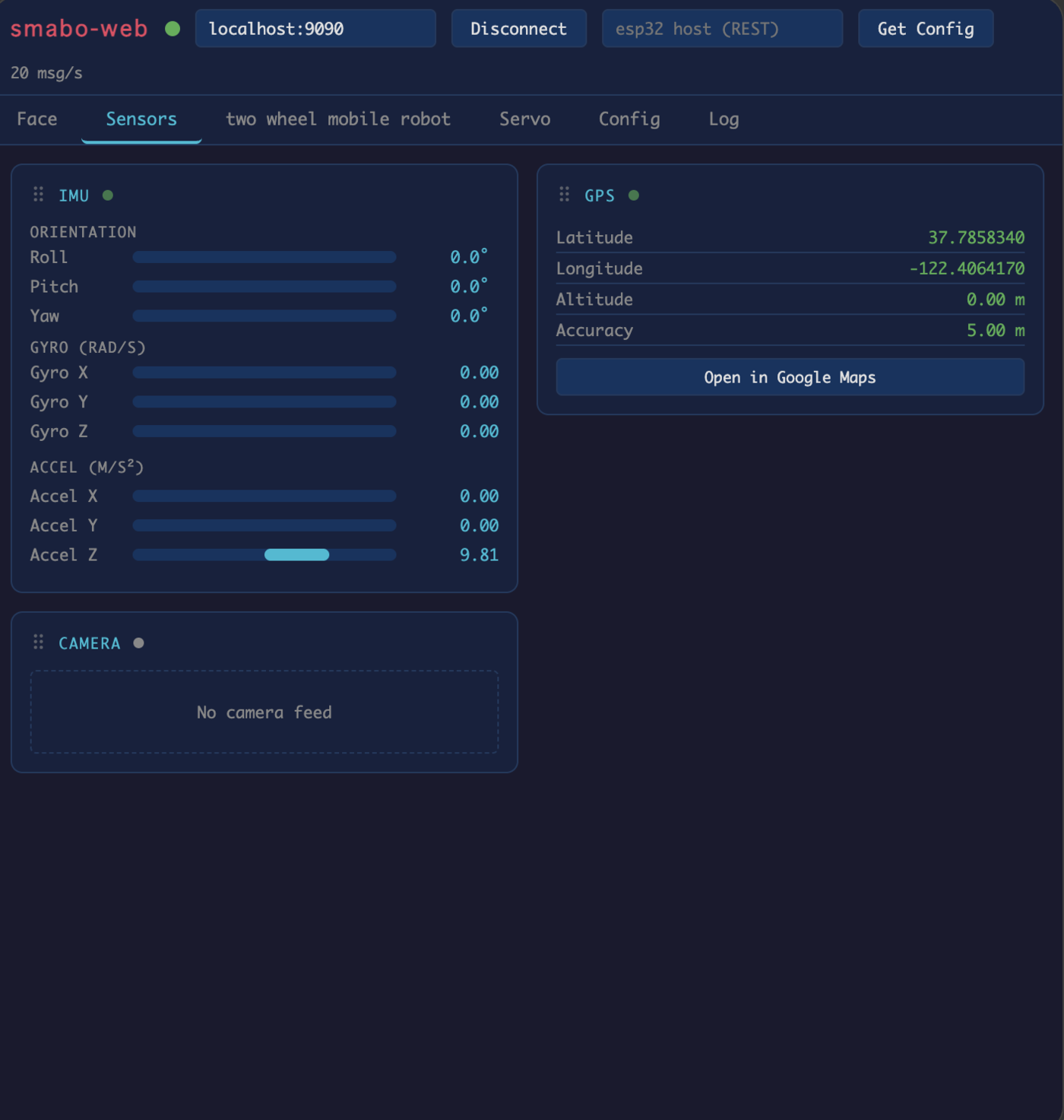
With sensors enabled, open the Sensors tab in smabo-web to view real-time data:
- Camera image (from the phone's camera)
- IMU data (accelerometer, gyroscope)
- GPS data
Next#
This is a terminal node on the roadmap.
To explore other features, pick another page from the roadmap.